Introduction
Create an Authenticate application to configure the channels, one-time password (OTP) settings, and log-retention preference used for user verification.
Before you begin
Sign in to your Unifonic account and confirm that you can access Authenticate.
Set up the application
- From the navigation menu, select Authenticate. Alternatively, go to https://authenticate.cloud.unifonic.com/apps.
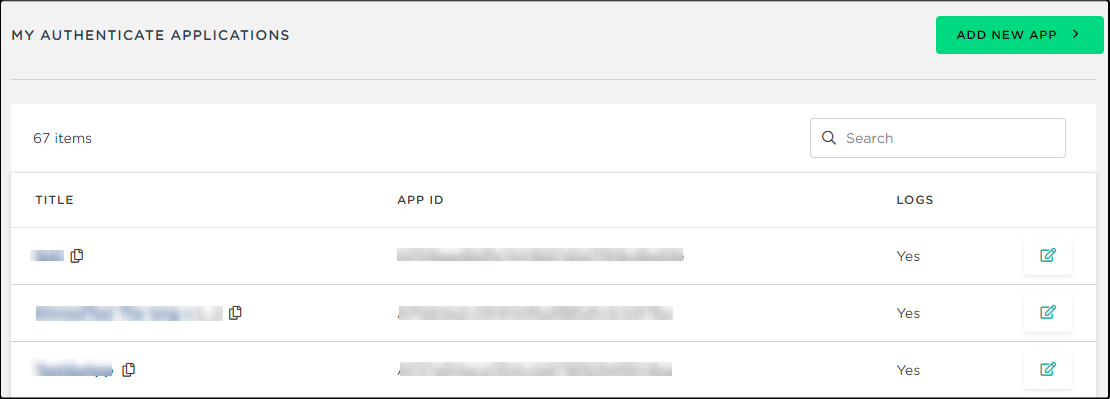
- Select My Applications, and then select Add New App.
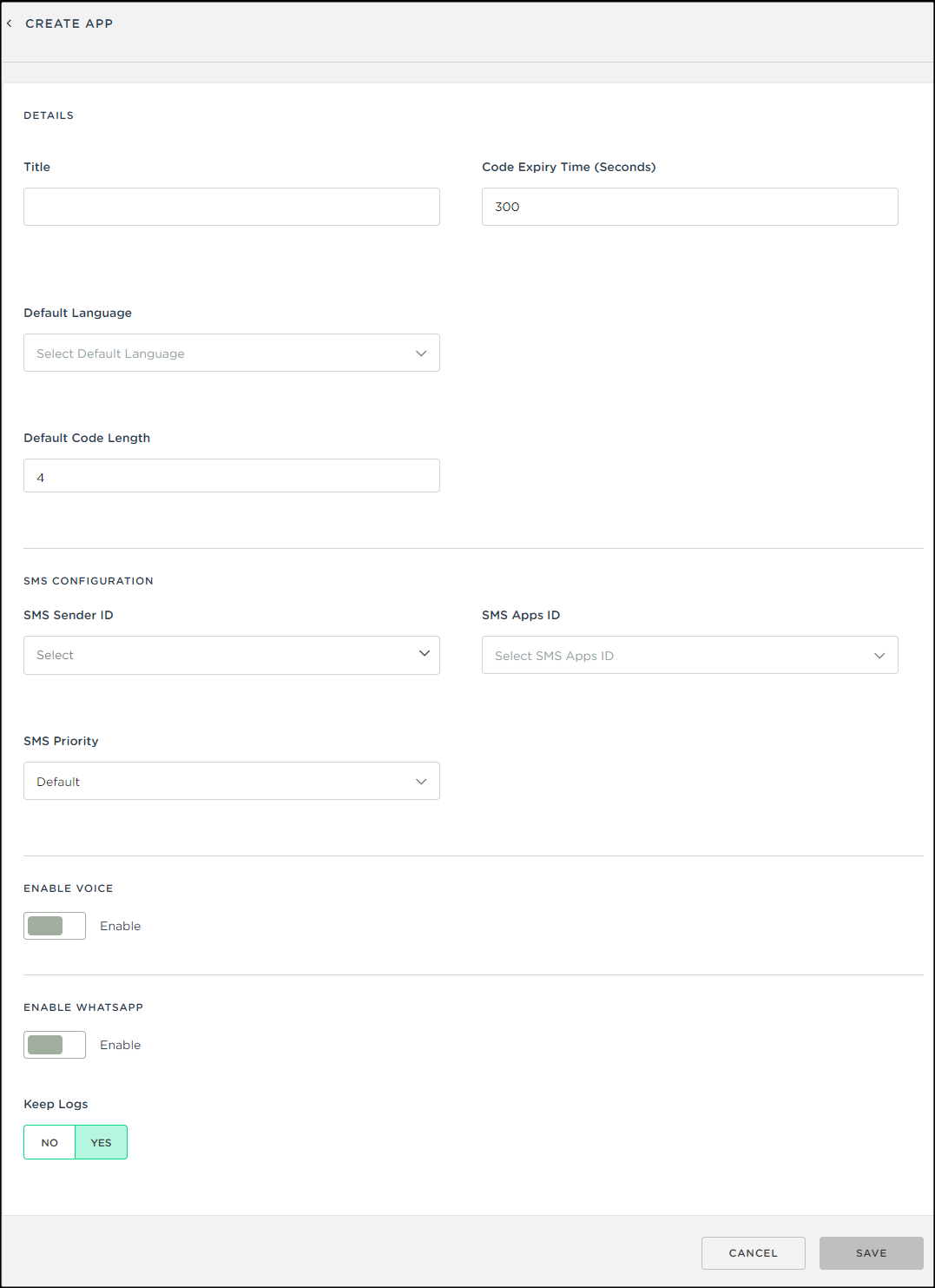
- Complete the application form, select the OTP language and code length, and configure SMS authentication.
- To use voice authentication, enable the voice option.
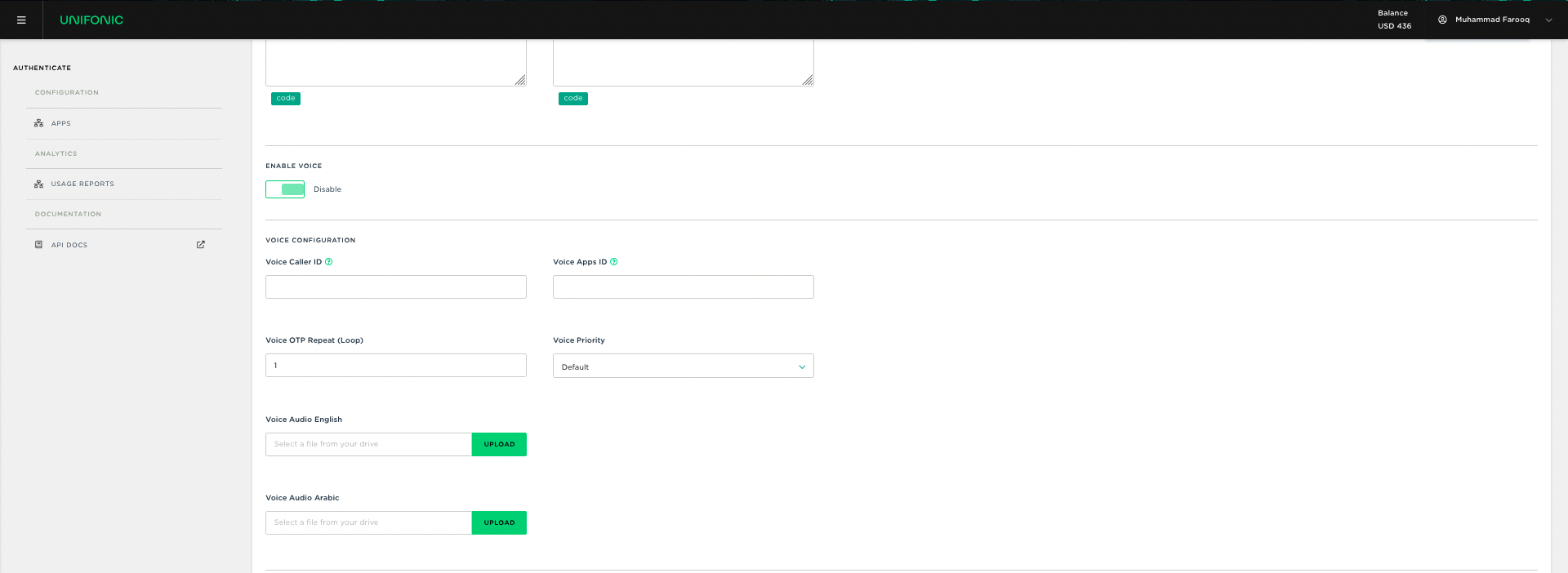
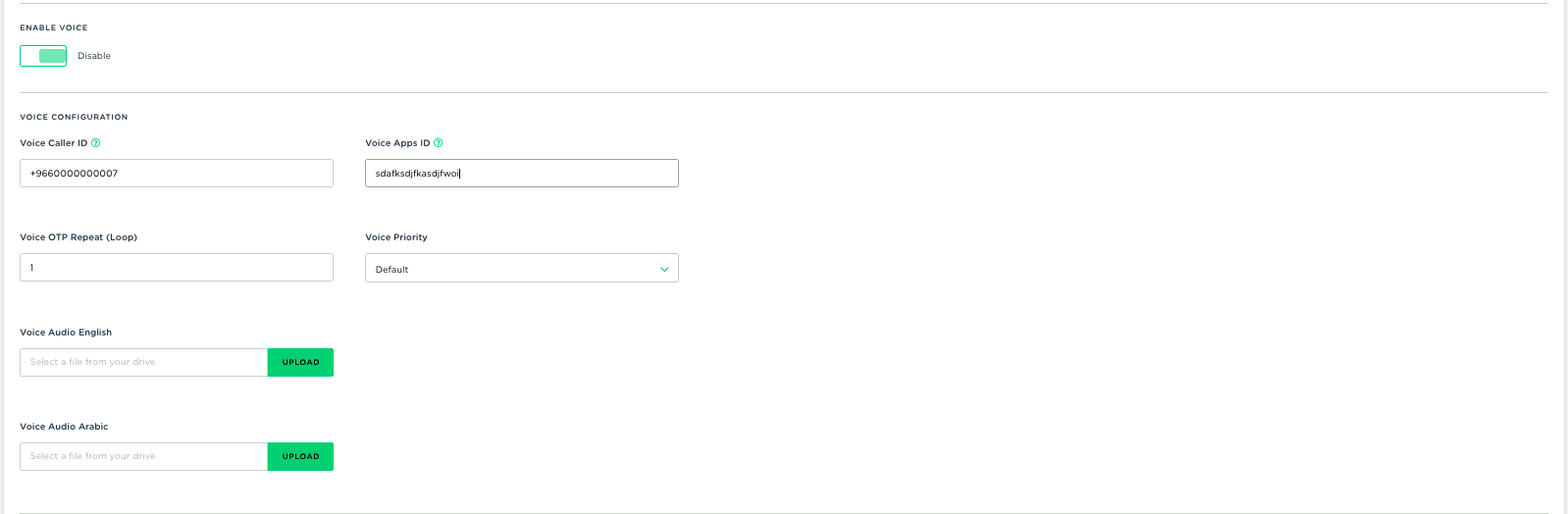
- Configure the voice OTP settings. Optionally, upload an audio clip to play before the OTP.
- To use WhatsApp authentication, enable the WhatsApp option.
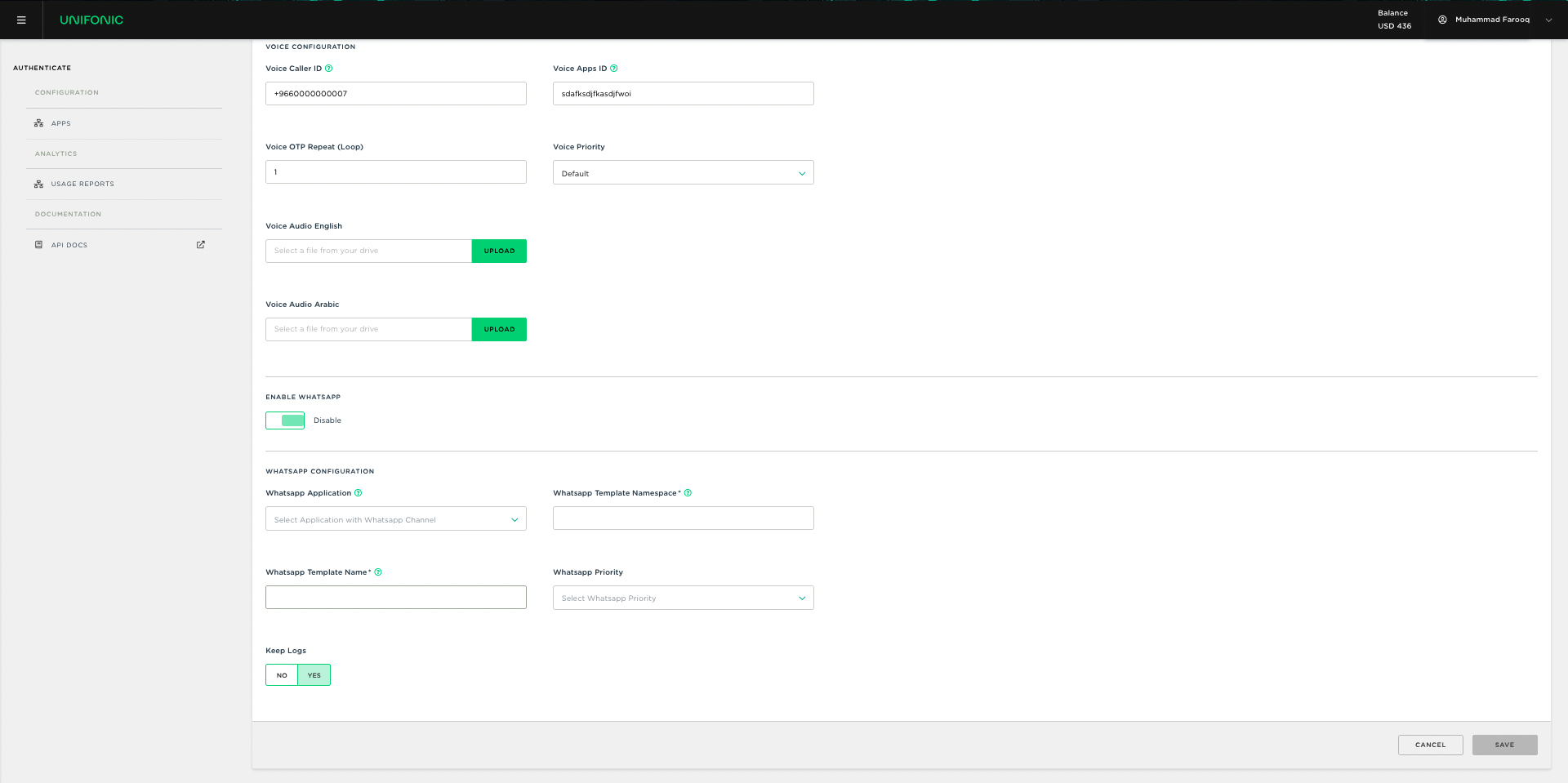
- Complete the WhatsApp authentication configuration.
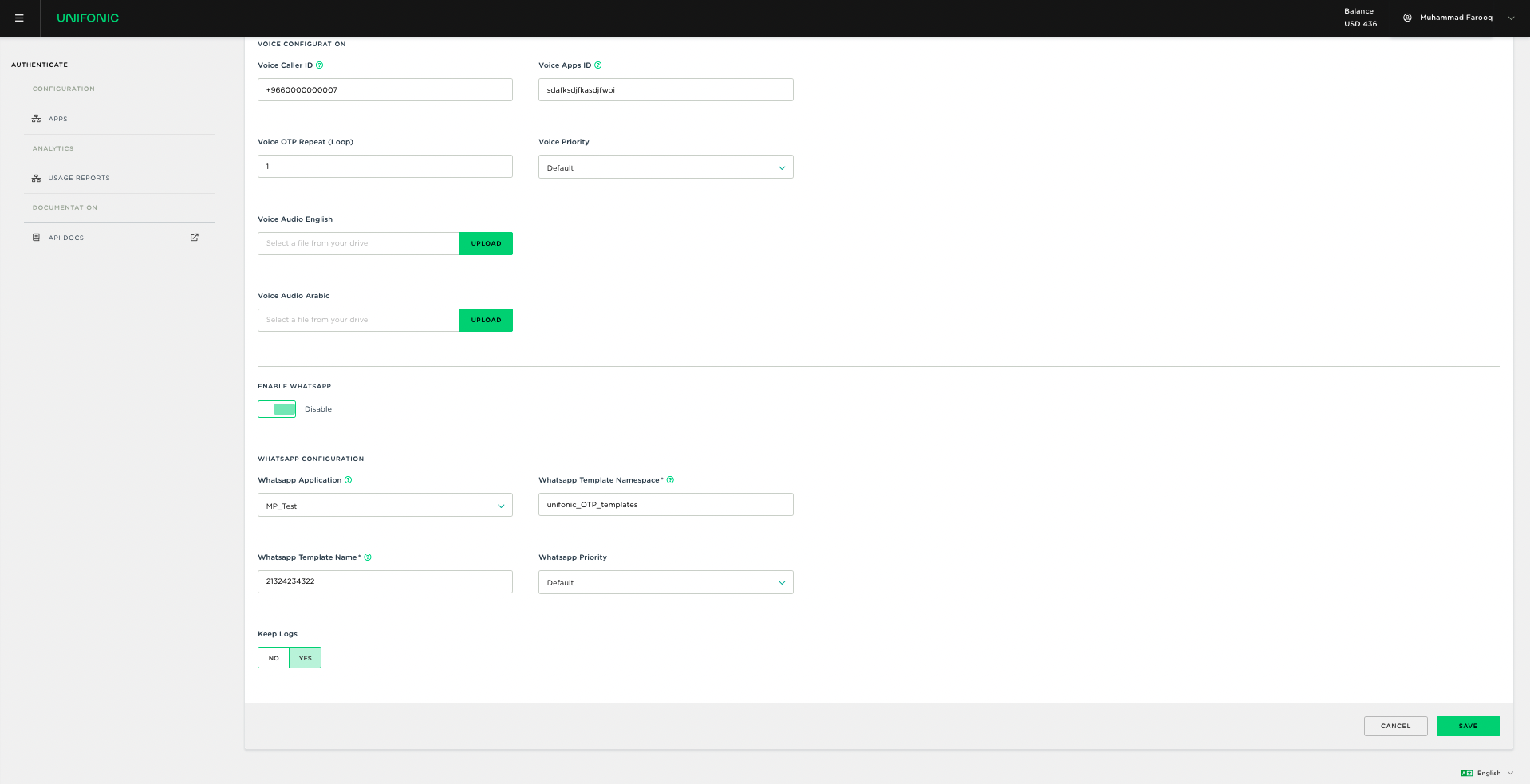
- Select whether to archive authentication logs.
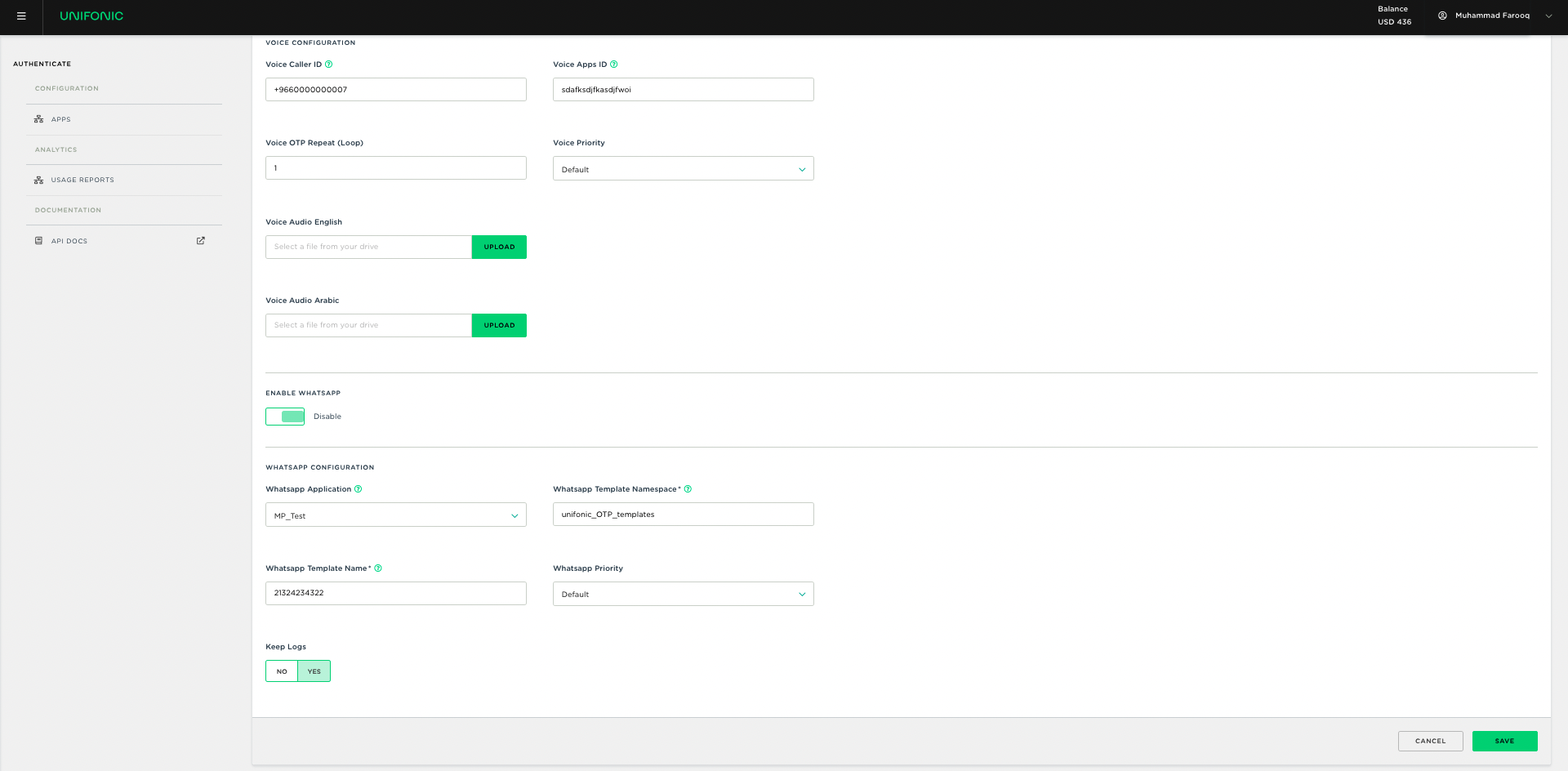
- Select Save.
Expected result
The Authenticate application is saved and can be used with the Authenticate API.