Introduction
Retrieve an Authenticate application ID and its authentication token before sending Authenticate API requests. Use the application ID in the x-authenticate-app-id header.
Before you begin
Create and save an Authenticate application.
Get the credentials
- Sign in at https://cloud.unifonic.com.
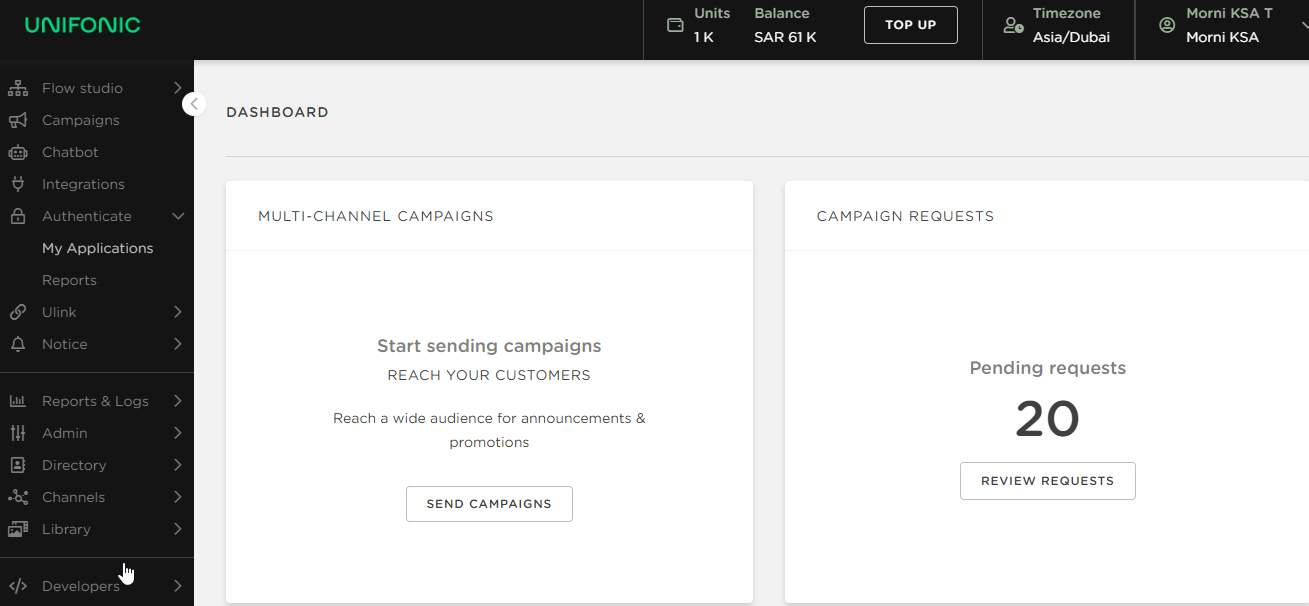
- From the navigation menu, select Authenticate > My Applications.
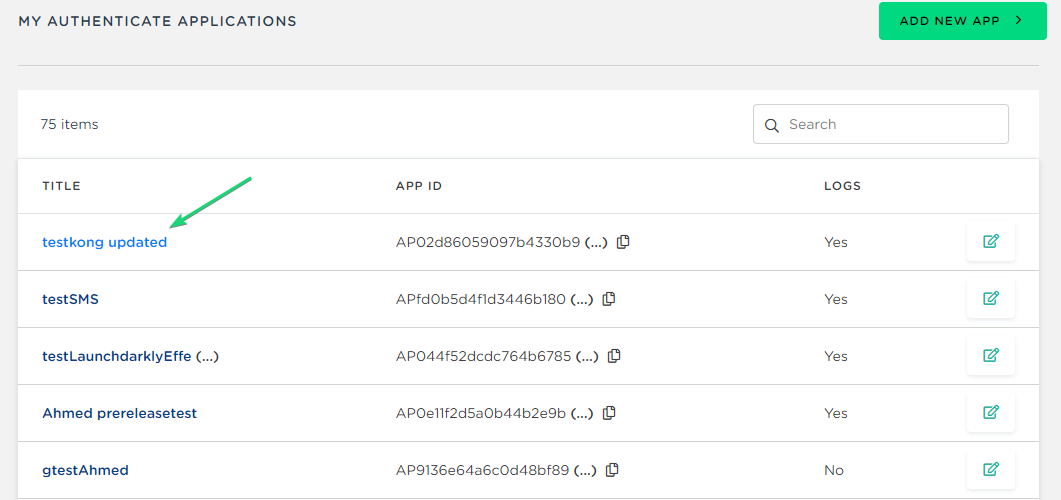
- Copy the application ID shown for
x-authenticate-app-id, and then select the application name.
- Select Show Token to display the authentication token for the selected application.
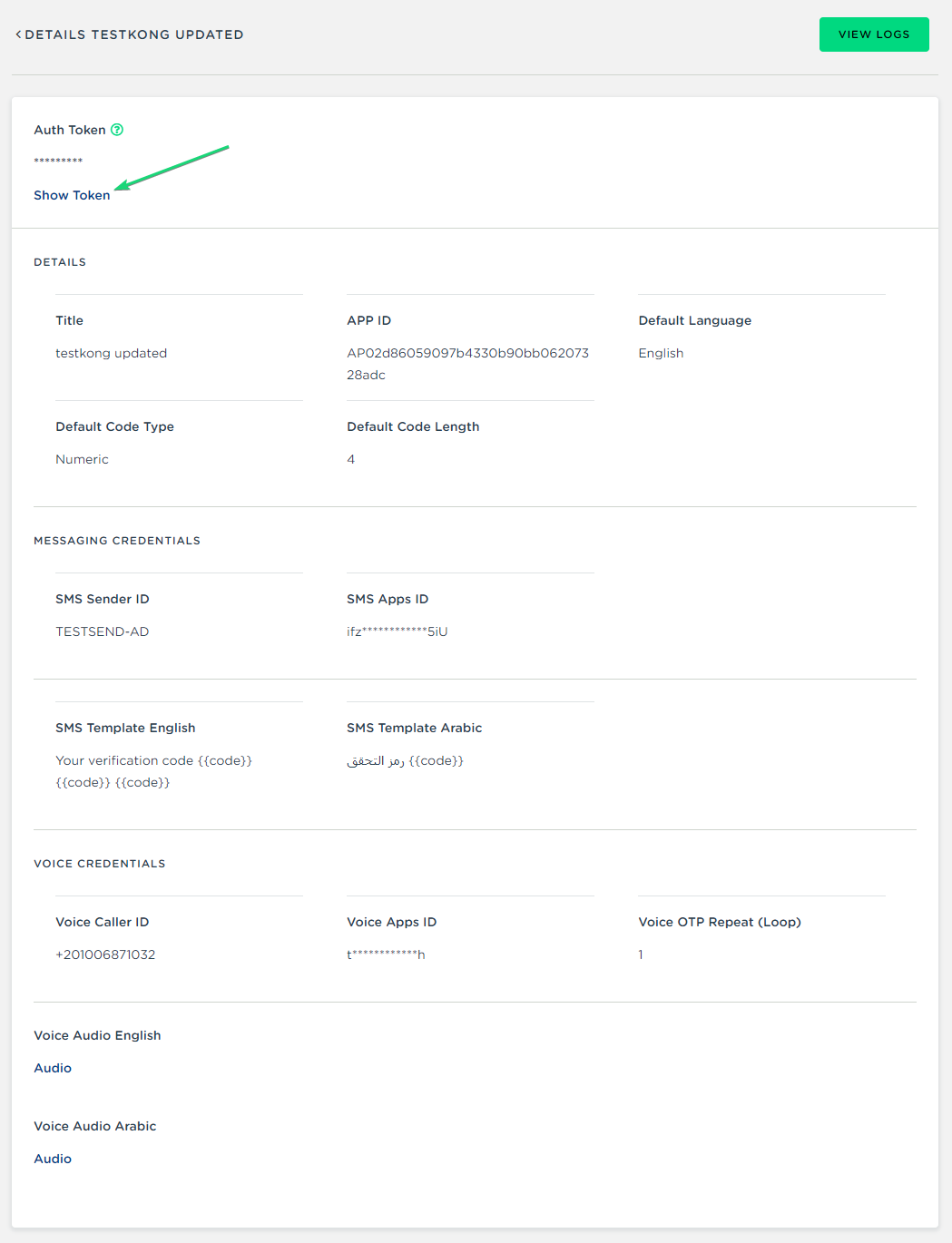
Expected result
You have the application ID and corresponding authentication token required for Authenticate API requests.