Connect a Facebook Page to a Unifonic Conversation API application to send and receive Facebook Messenger messages.
 | Before you begin Complete the requirements in Getting Started with Facebook Messenger. |
Configure the channel
- Log in to the Unifonic Console.
- Go to Channels > Facebook.
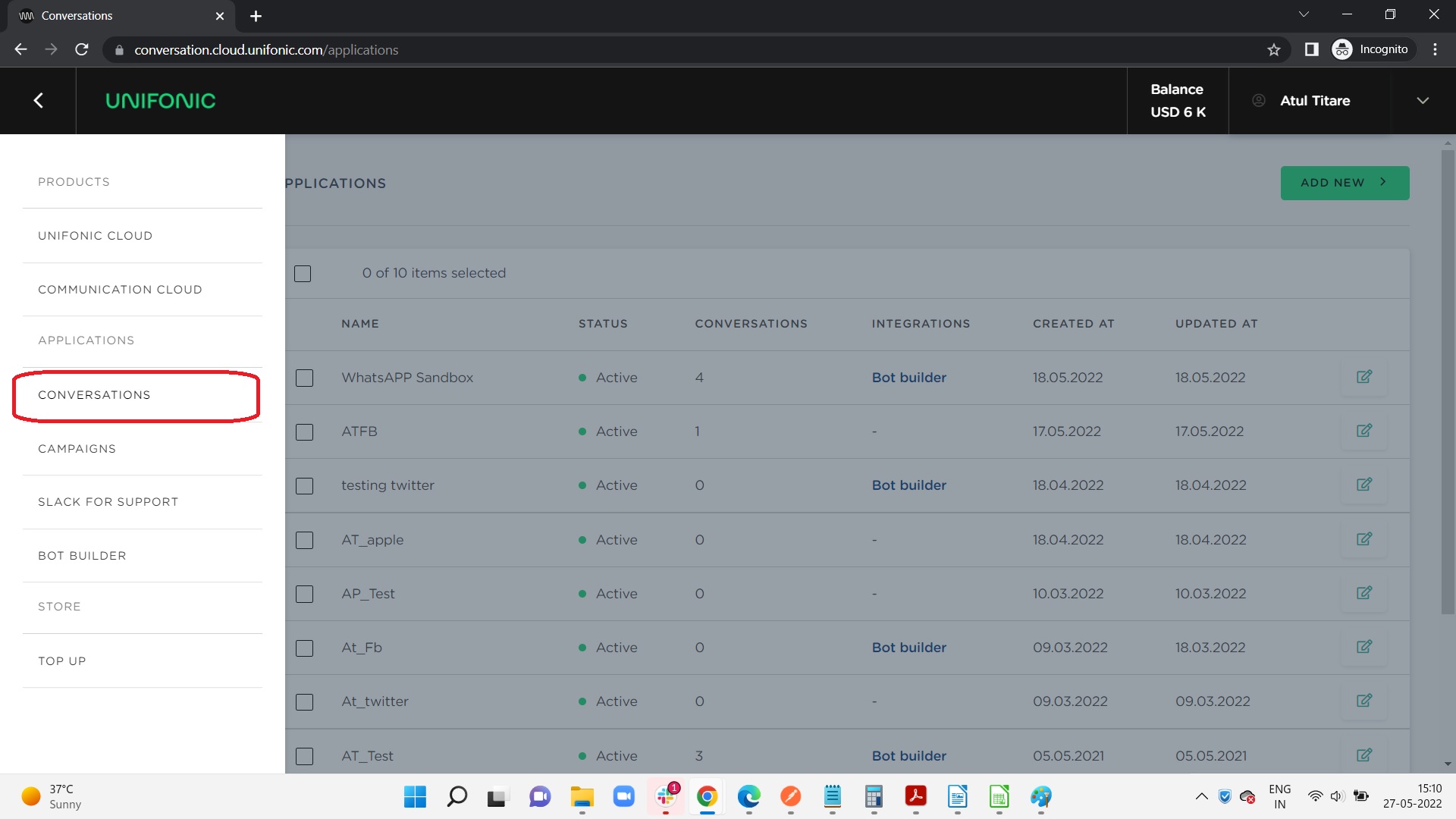
- Select an existing application or select ADD NEW.
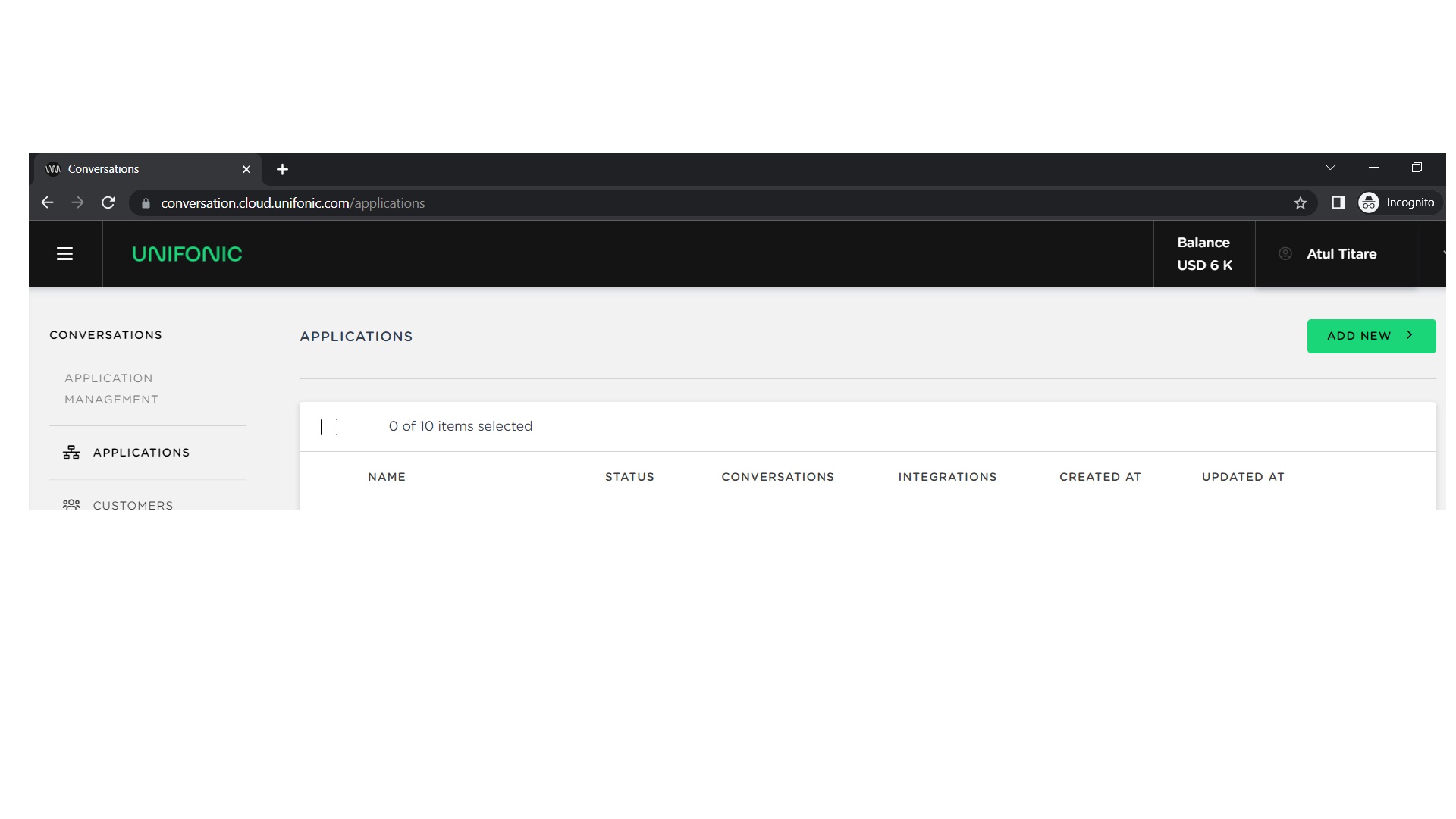
- If you create an application, enter its name and save it.
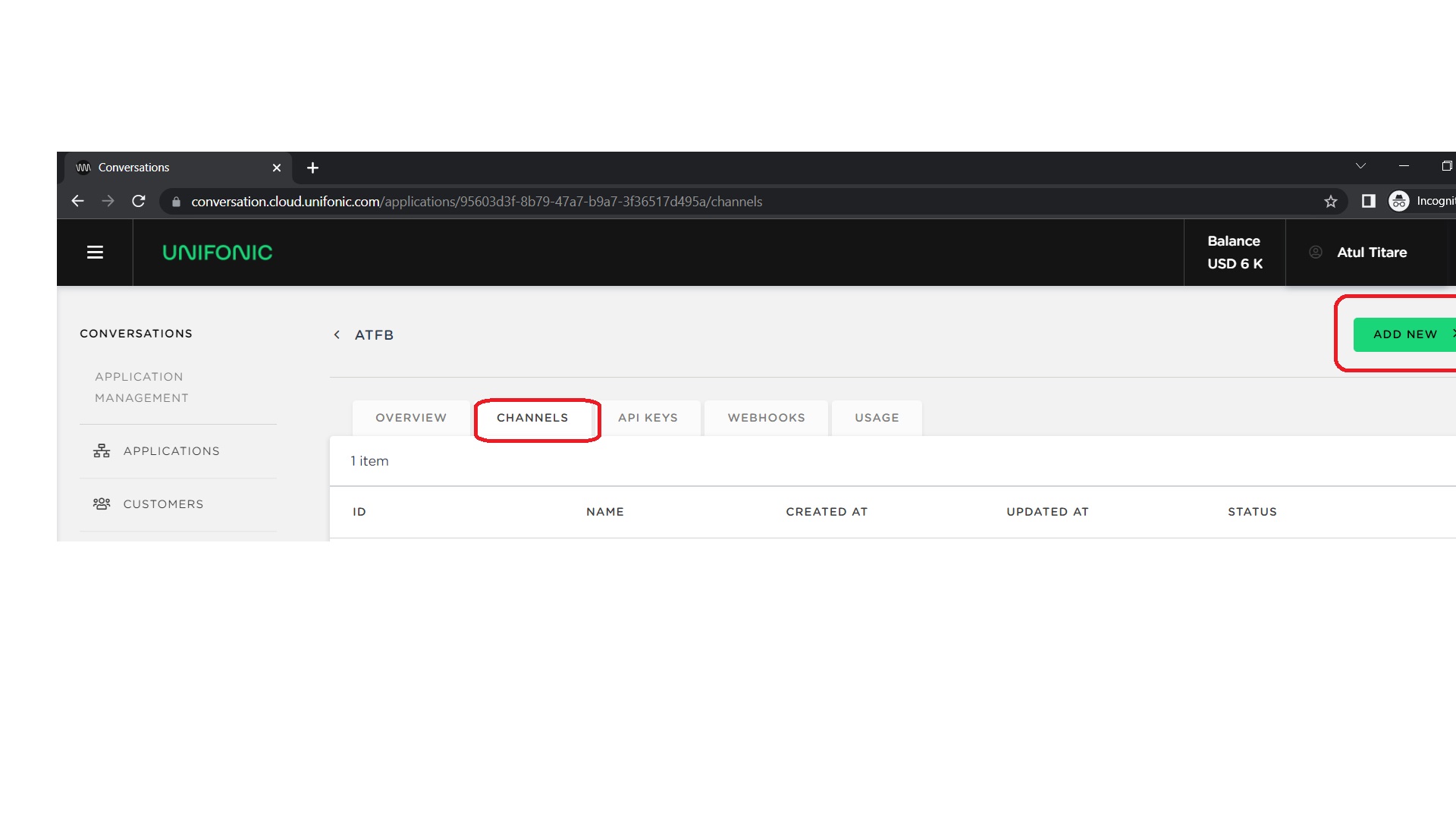
- Open the Channel tab, and then select ADD NEW.
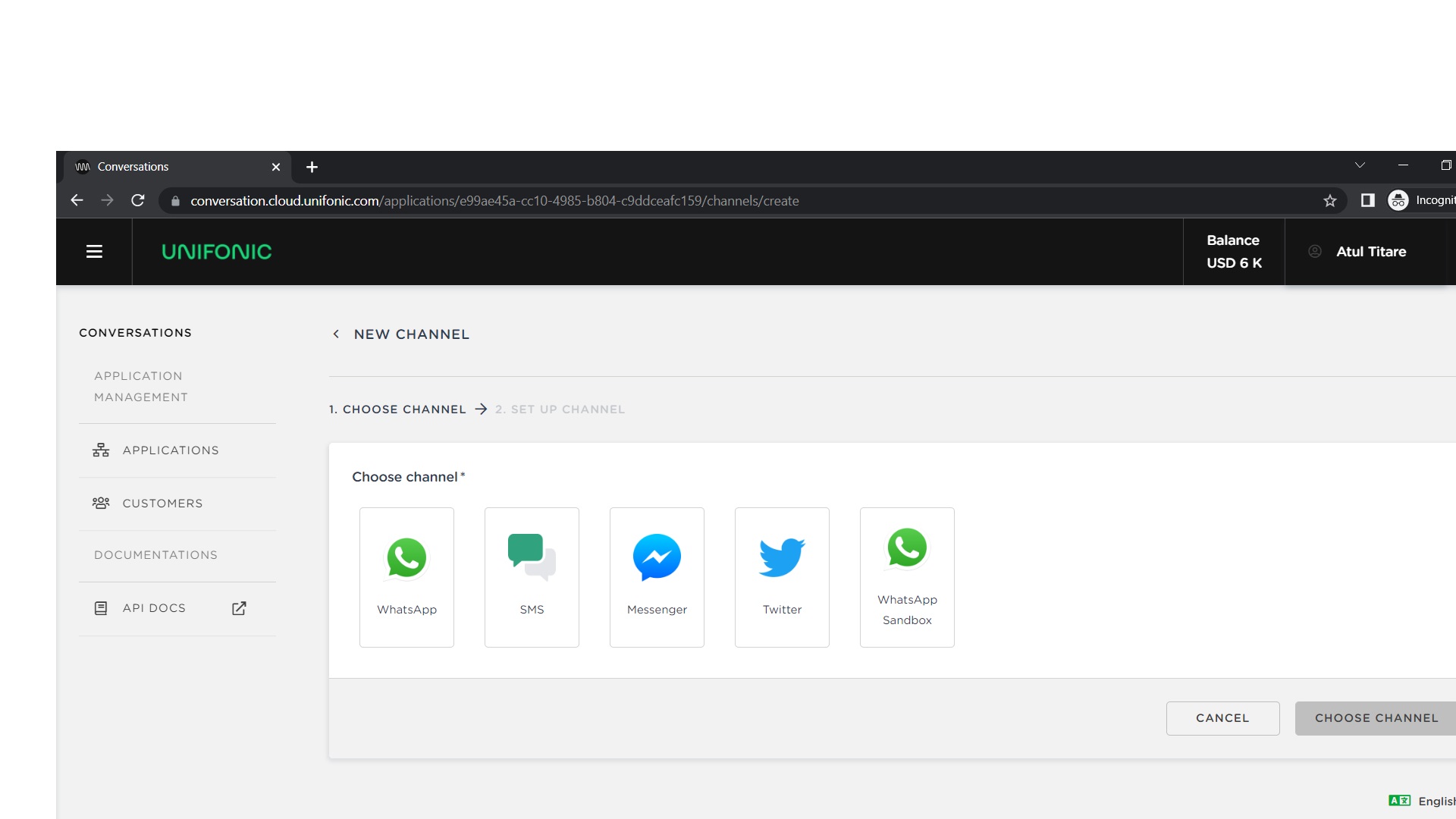
- Select the Messenger channel.
- Log in to Facebook to authenticate the connection.
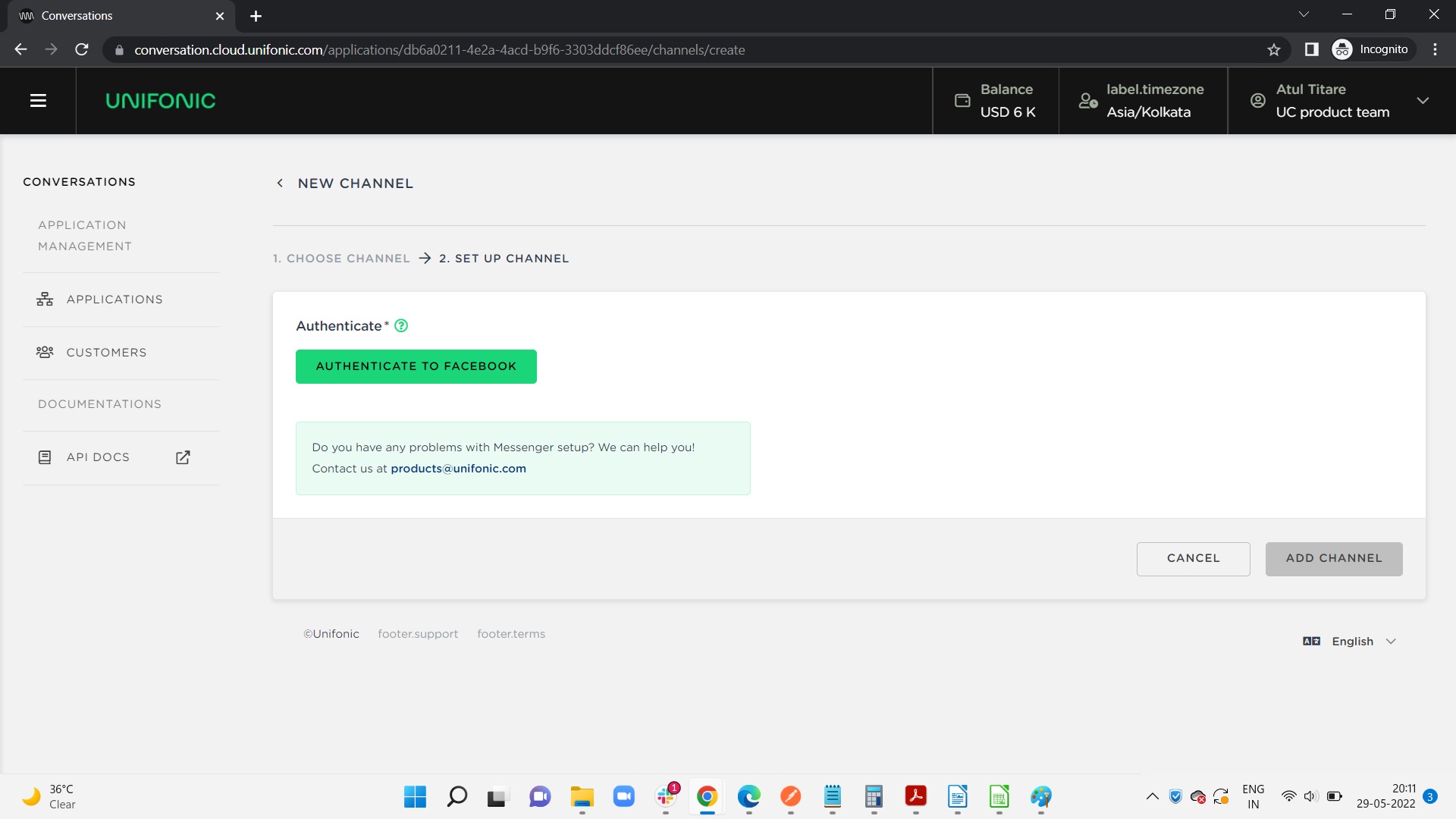
- Select the Facebook Page associated with the account.
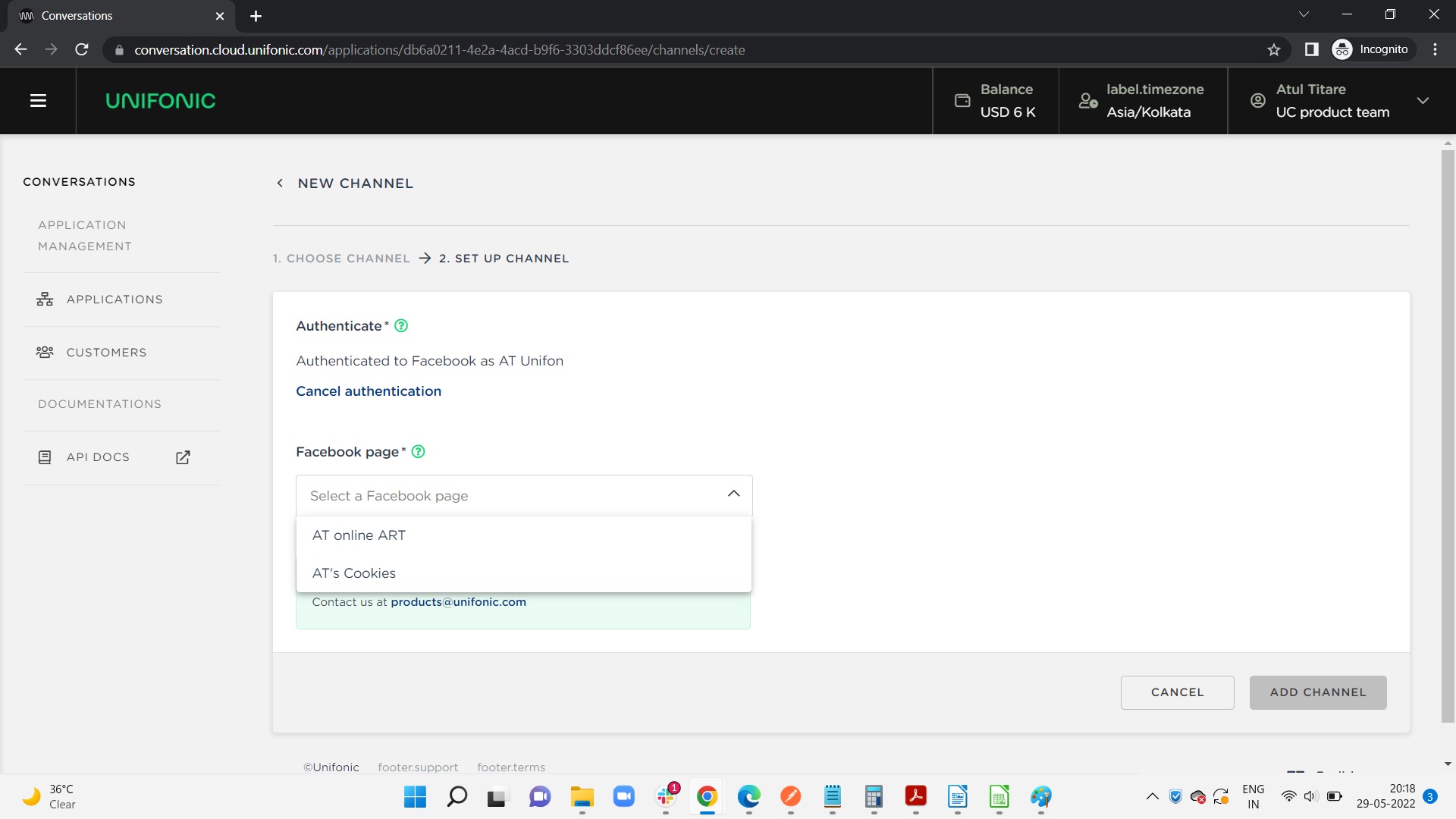
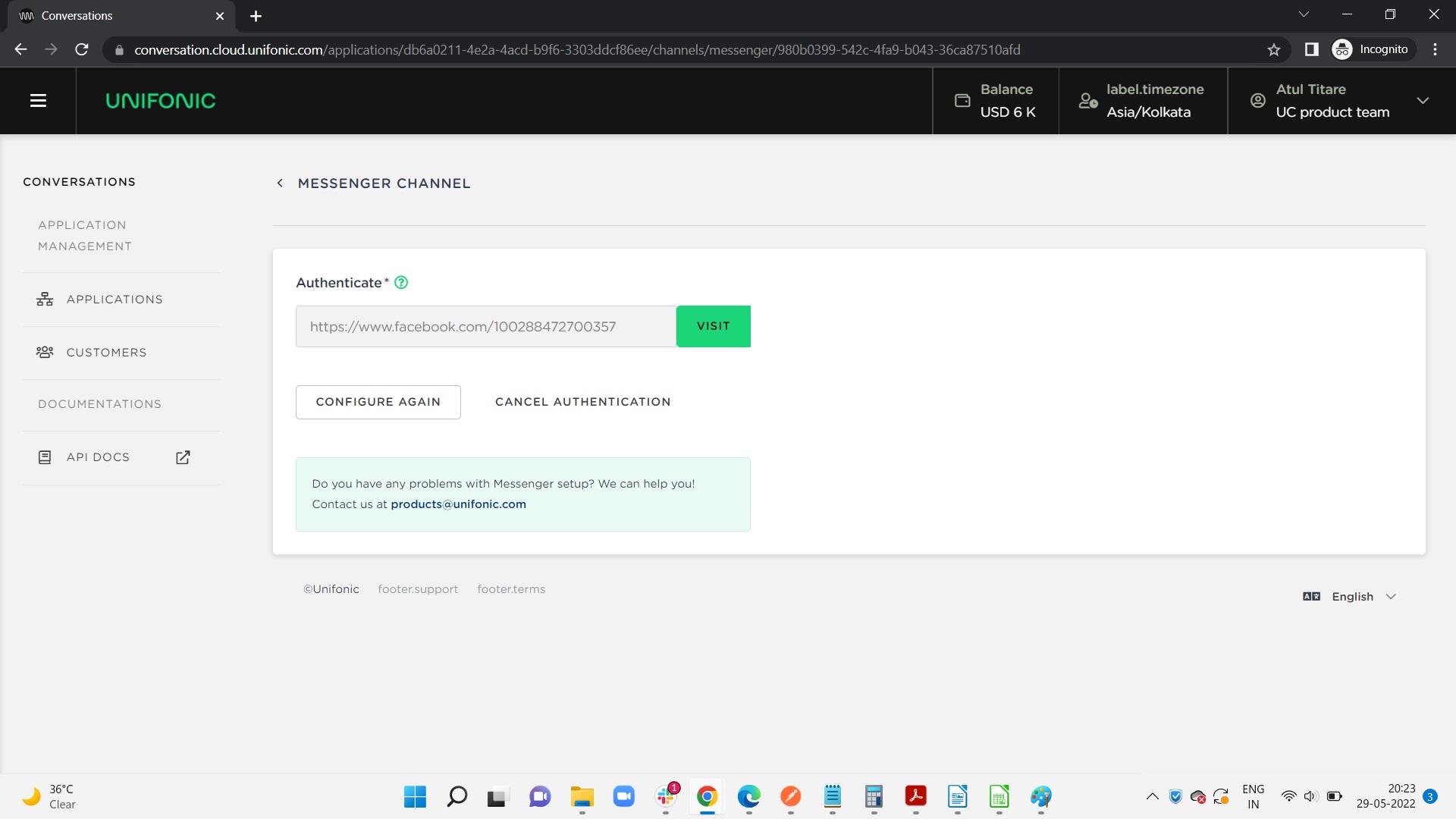
- Confirm the selected business Page.
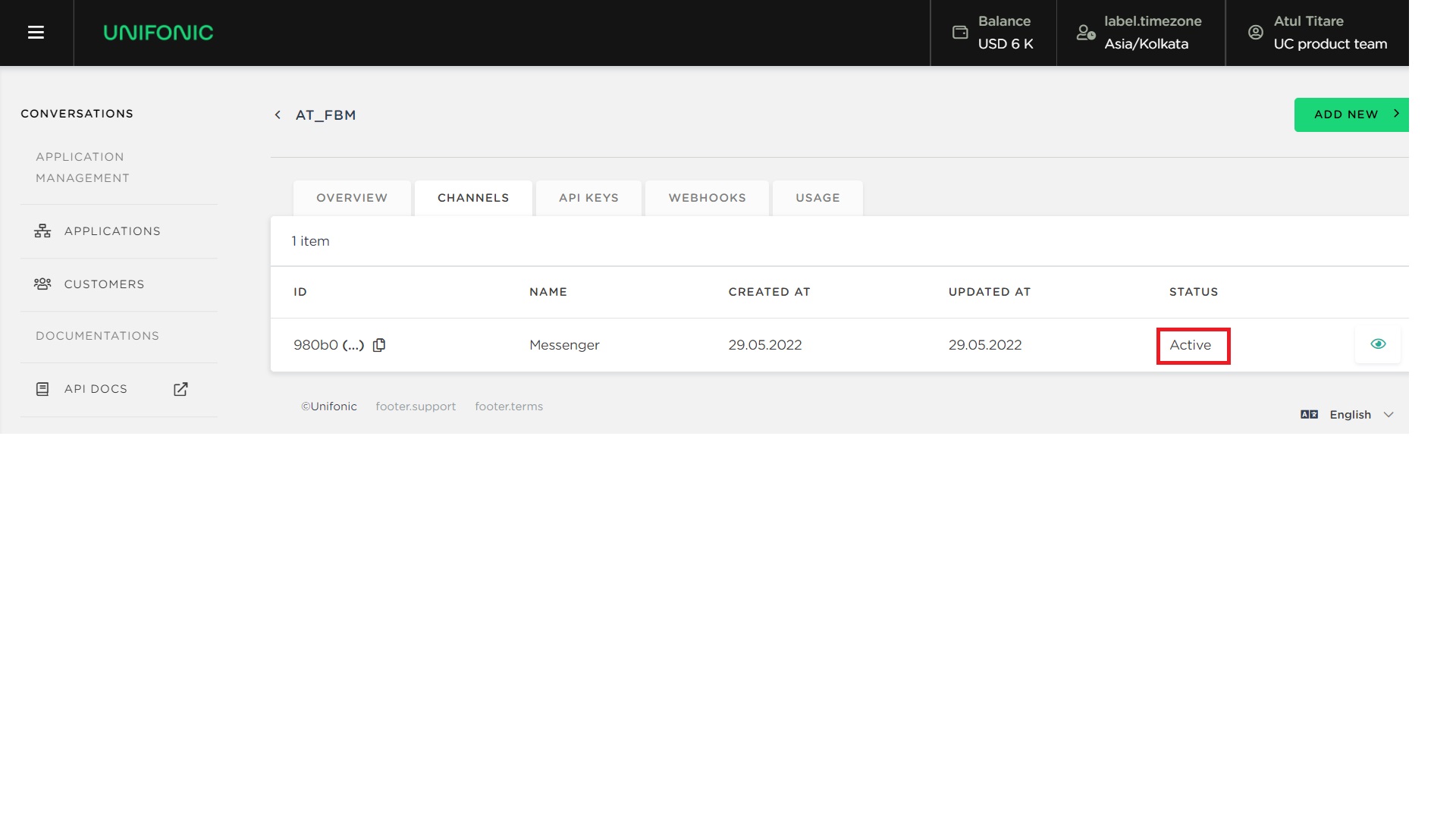
- Verify that the channel status is Active.
| Application options You can use one application for multiple channels or create separate applications. Creating an application provides the Public and Secret keys that API requests might require. |