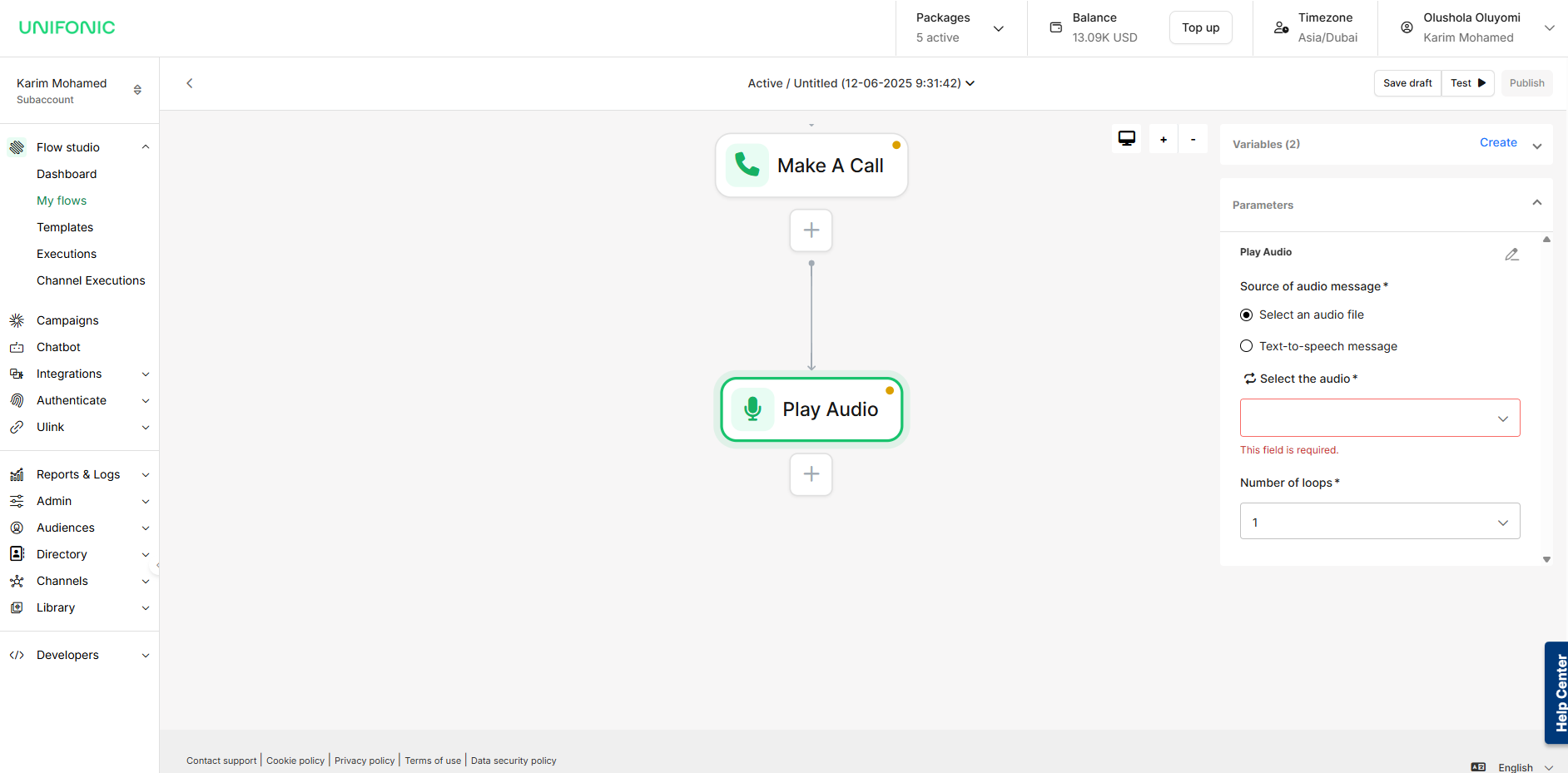
Play Audio Widget – Deliver Voice Messages During Calls
The Play Audio widget allows you to play a recorded message to users during a phone call. This can be used to provide important information, instructions, confirmations, or salutations before proceeding to the next step in your flow.
How It Works
You can choose to:
-
Upload a pre-recorded audio file (e.g., MP3, WAV), or
-
Use Text-To-Speech (TTS) to dynamically generate audio from text (This is mostly important if there would be dynamic text in the voice recording to be played for the customer.
Text-To-Speech Configuration Options
When using TTS, you can customize the playback using the following options:
-
Audio Engine
Choose how the message is generated:-
Standard: Basic text-to-speech synthesis -
Neural: High-quality, more natural voice output (recommended)
-
-
Language
Supported languages:-
English -
العربية (Arabic)
-
-
Voice Gender
Select the voice tone:-
Male -
Female
-
⚠️ Tip: Choose the Neural engine for clearer, more natural-sounding audio, especially when delivering customer-facing messages.
⚠️ Note: This is often used when you don't need any further action from the recipient of the call i.e It is the last audio in the call; If further action is required, the "Collect Input" Widget would be best suited.
Use Case Examples
-
Play a welcome message: “Thank you for calling. Please hold while we connect you.”
-
Confirm actions or notify users: “Your order has been placed successfully.”