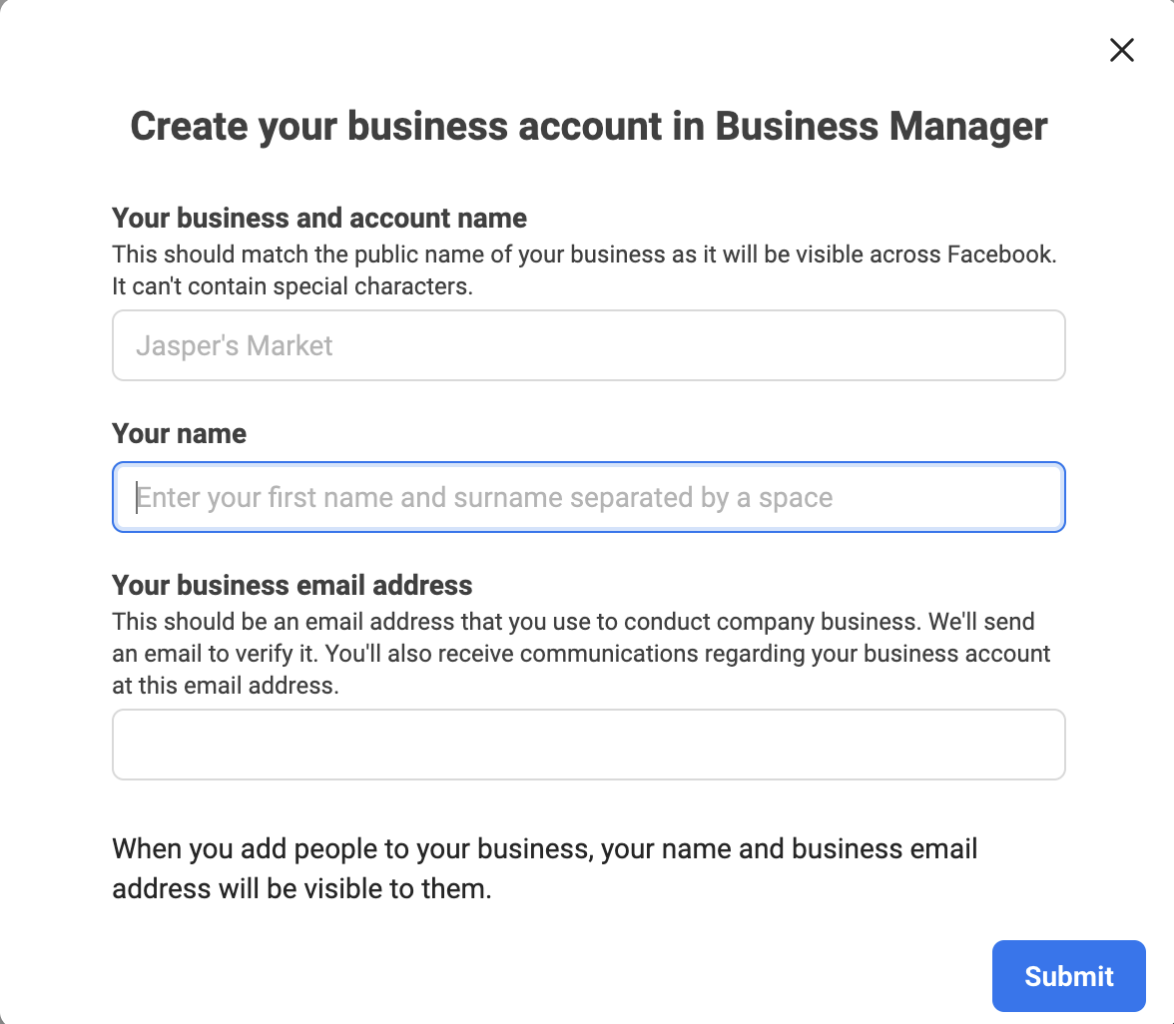
Create a Facebook Business Manager account before you request access to the WhatsApp Business Platform.
Prerequisites
You need a Facebook profile associated with a real person. Use a business email address when creating the profile.
Create a Facebook Business Manager account
- Go to Facebook and create a profile using a business email address. Enter the profile holder's real name, not a department or organization name.
- Add a current profile picture of the account holder.
Facebook may request identity verification. Ensure that the profile name matches the submitted ID or passport and that the profile picture represents the same person. Facebook accepts government-issued identification documents only.
To determine whether verification is required, review the profile in Account Quality.
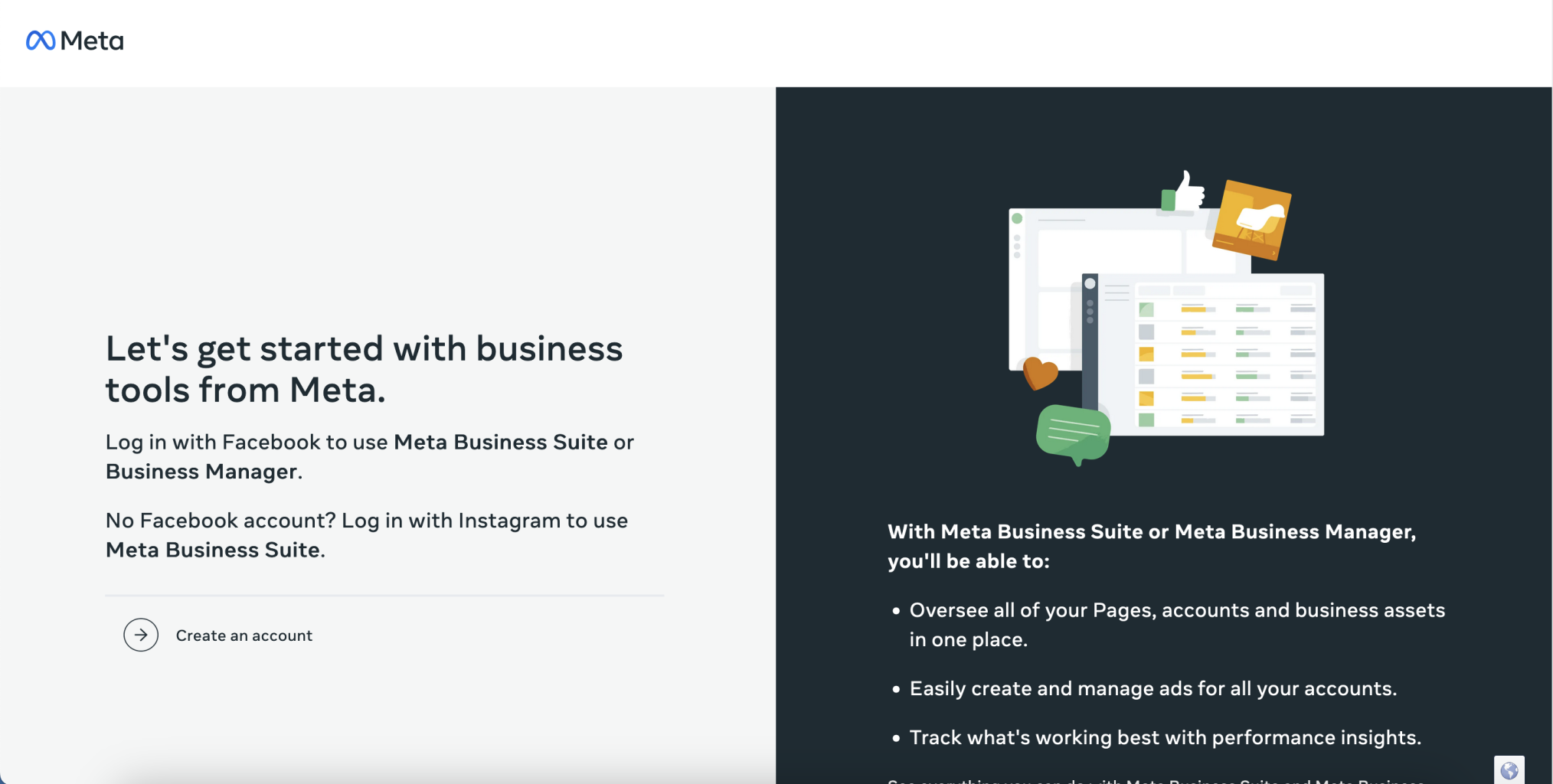
- Go to Facebook Business Manager and select Create an account.
- Complete the account form, and then select Submit.