Campaign Calendar
Use Multichannel Campaigns (MCC) to create and manage campaigns across SMS, WhatsApp, Voice, Email, and Flow-based channels from one place.
MCC integrates with Flow Studio, so you can customize campaign flows and build customer journeys that meet your business needs.
View campaigns
The Campaigns page provides two views:
List view: Review campaign details and statuses in a structured list.
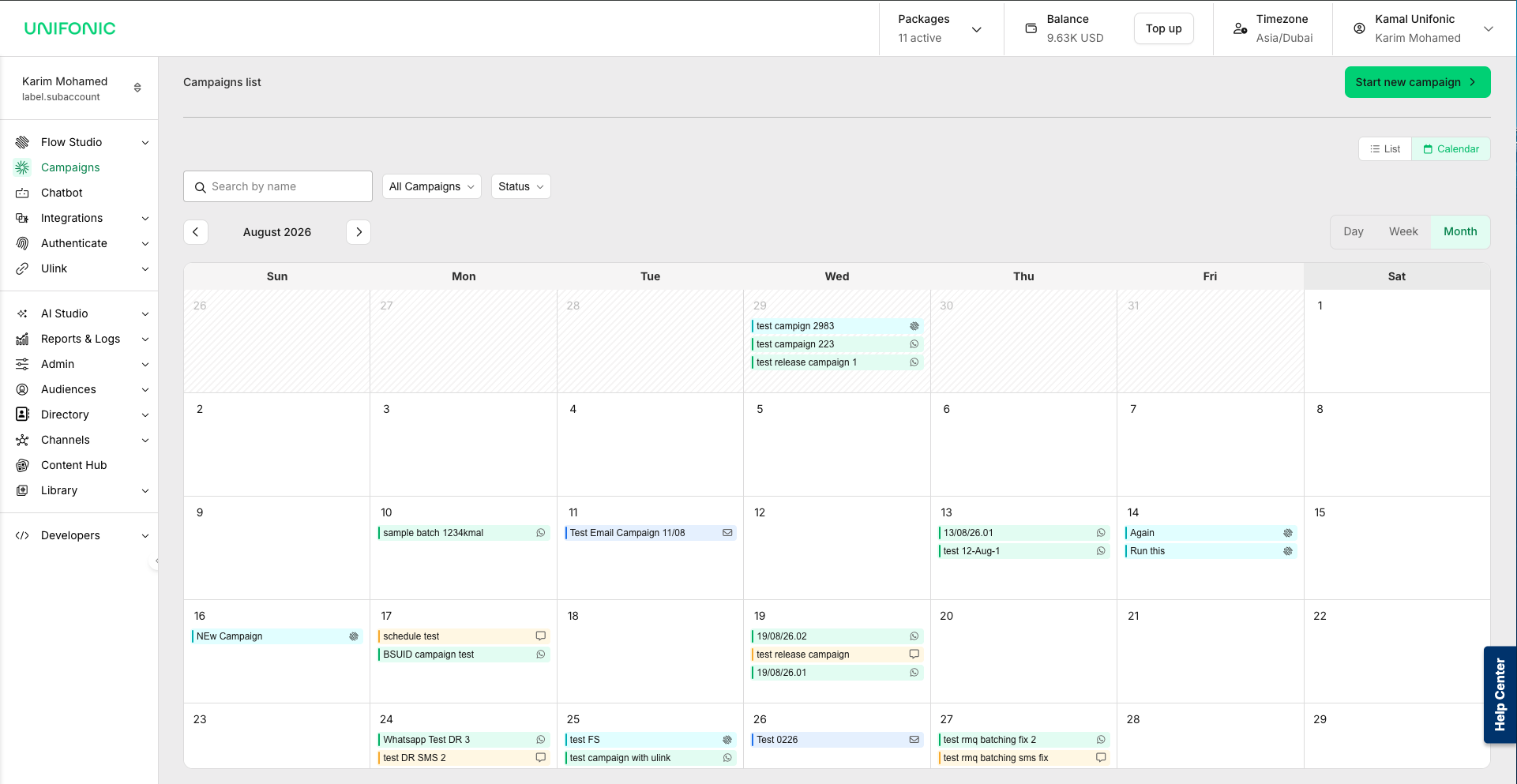
Calendar view: Review scheduled and sent campaigns across channels in a calendar.
Use Calendar view
Calendar view displays campaign activity across supported channels in one place. Use it to:
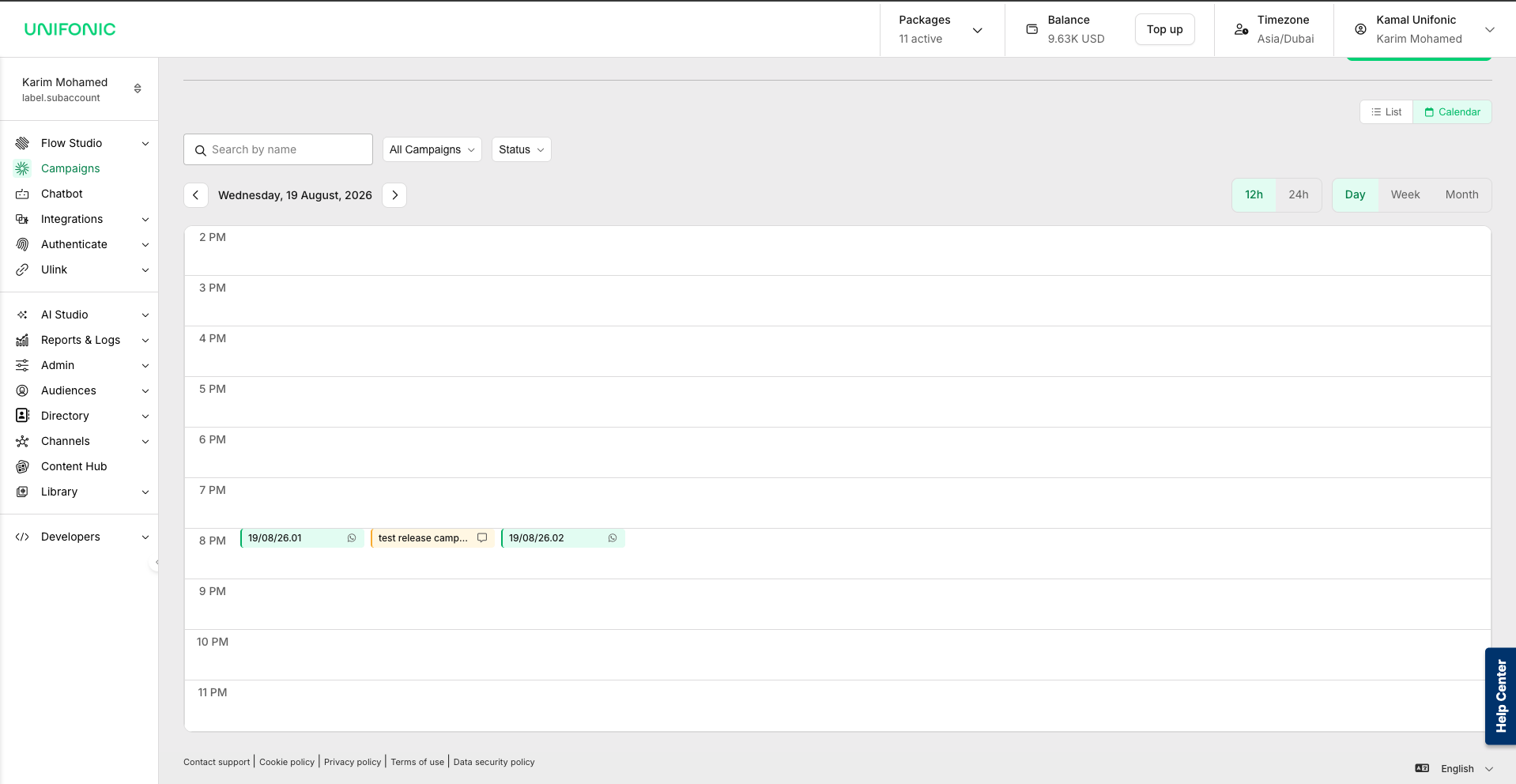
View campaigns by day, week, or month.
View WhatsApp, SMS, Email, and Flow-based campaigns together.
Search for a campaign by name.
Filter campaigns by channel, type, or status.
Switch between 12-hour and 24-hour time formats in Day and Week views.
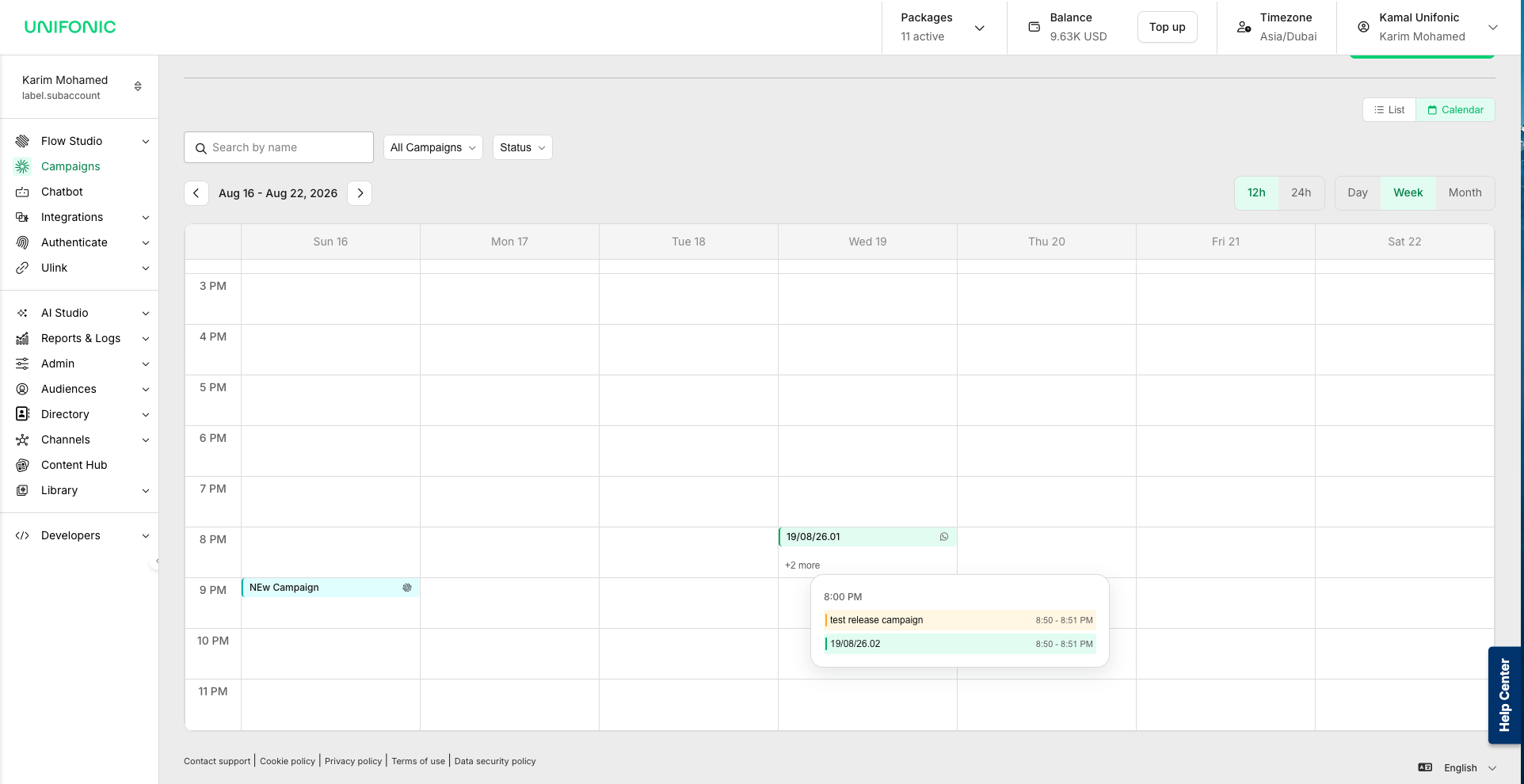
Select +N more to view campaigns scheduled within the same time period.
In Day and Week views, each campaign appears at its scheduled time.
When multiple campaigns are scheduled close together, select +N more to view all campaigns in that time period.
 | Get started for free Use a free WhatsApp sandbox number and SMS trial sender ID with a free message package to test the services. Sign in with your Unifonic Cloud account to try Multichannel Campaigns at no charge. Before you create a campaign, activate the trial number or sender ID that you want to use. |